
One-host sessions
One screen, one host. No phones needed.
Offline mode puts the whole game show on your screen. You run it, the room plays out loud, and nobody has to scan, sign up or download a thing.
Step 1 of 4
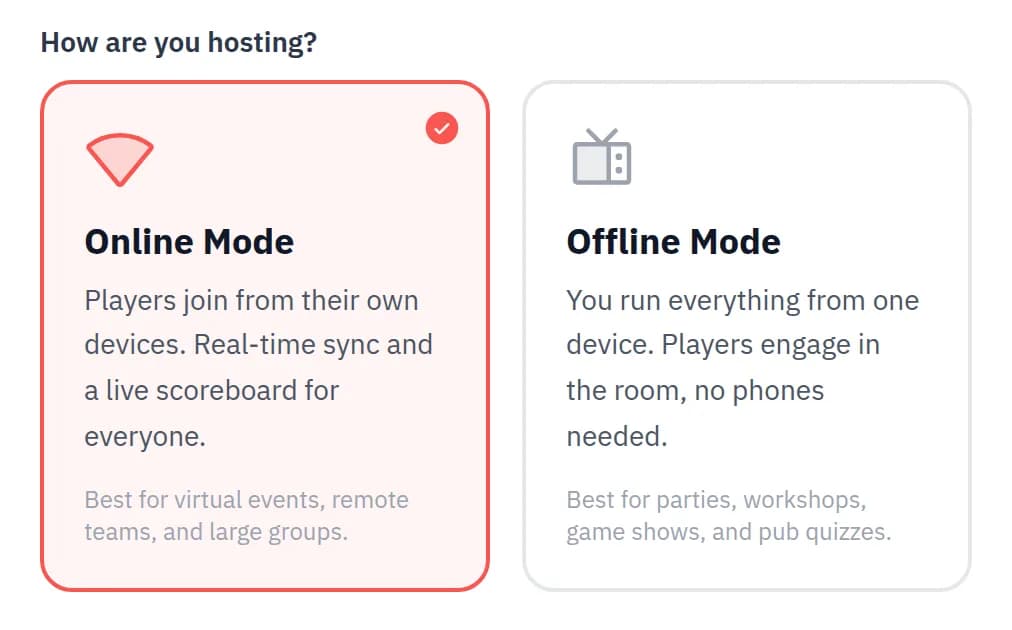
Choose Offline Mode
Start from the homepage or your dashboard, name your session and pick Offline Mode on the How are you hosting? step.
Only your screen needs to be connected, so offline works in living rooms, classrooms and venues with patchy signal. Start now, or schedule it for later.
Scheduling an offline session still gives you a printable poster. It simply has no QR code, because nobody needs to join.
Step 2 of 4
Set your headcount
There are no names to collect and no join link. Tell Neegma how many are playing and you are ready.
Individual. Up to 10 players, each with their own turn and score.
Teams. Split the room into 2 to 5 teams for bigger groups.
Track scores. Leave it on for a leaderboard, or switch it off for a relaxed round.
Every game's setup can change the headcount, so a team round can follow a solo one.
Step 3 of 4
Run every turn from your screen
The prompt appears on your screen and you tap what happened. Neegma keeps the time and the score.
Act it, describe it, sing it
In Charades, Taboo, Song Association and Word Art, whoever's turn it is sees the prompt on your screen. Tap Correct or Skip as they go.
Fastest finger
In Odd One Out, Missing Letter and Unscramble, the whole room sees the question and shouts the answer. Tap who got it, in order.
Points by finish. 1000 for first, then 750, 500 and 300.
Step 4 of 4
Crown a winner
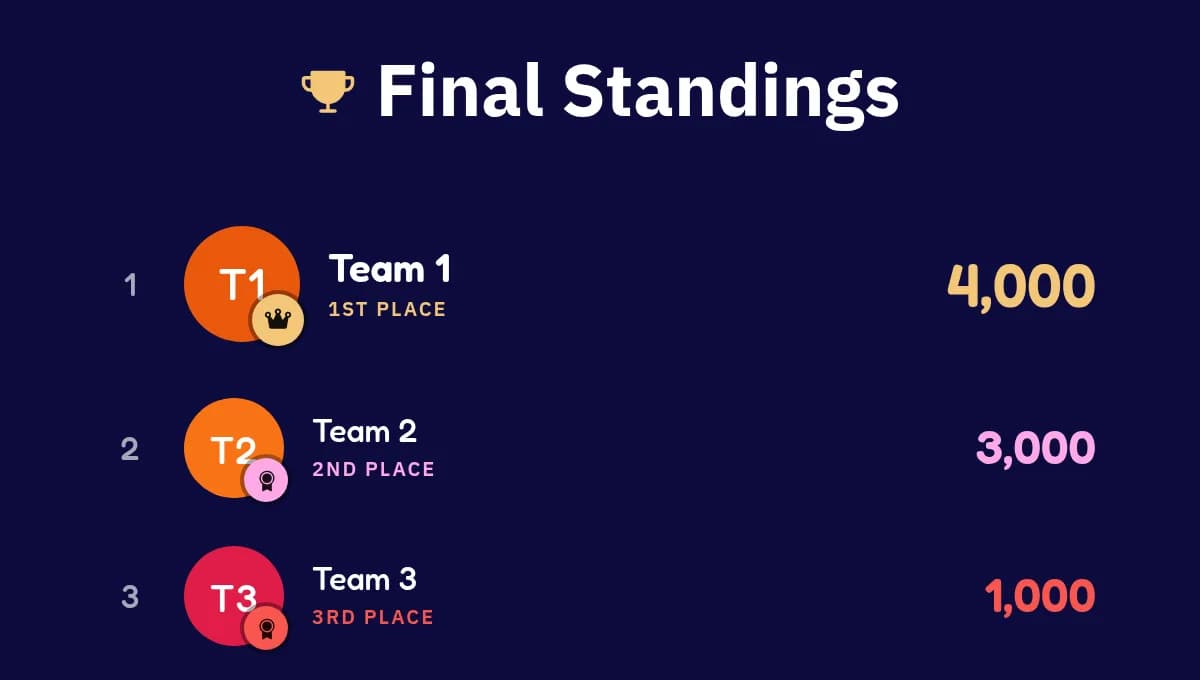
With Track scores on, every game ends on its own standings and the leaderboard adds up the whole session.
Read the standings out between games to build a rivalry, then finish on the podium. Your session's analytics are waiting in the dashboard afterwards.
11 games
Games you can host offline
Games that run from a single screen. Anything that needs private answers on every phone stays in live sessions.
Questions
Good to know
Do players need phones?
No. Players answer out loud and you tap what happened. Only your screen is connected.
How many can play?
Up to 10 individual players, or 2 to 5 teams of any size.
Trivia as a quiz loop
Offline Trivia cycles through your question set on screen until you end it, ready for a pub quiz read aloud.
Templates work too
Templates run offline as well. Any game in one that needs phones is shown as unavailable.
Your own questions
Build custom sets in the Playground for inside jokes, brand trivia or a class topic.
Scores are optional
Switch off Track scores for a warm-up or a family round where nobody needs to win.
Two ways to host
Live or one-host? Pick per event.
Same host controls, same leaderboards. The difference is who holds a screen.
Host and players connected
Live sessions
Players join on their own phones by QR code or link, answer from their seats and follow a live scoreboard.
Best for: Virtual events, conferences and big rooms.
Explore live sessionsYou are here
One-host sessions
Offline, host only
You run everything from one screen and nobody needs a phone. Players answer out loud and you keep score.
Best for: Parties, workshops, pub quizzes and venues with poor signal.